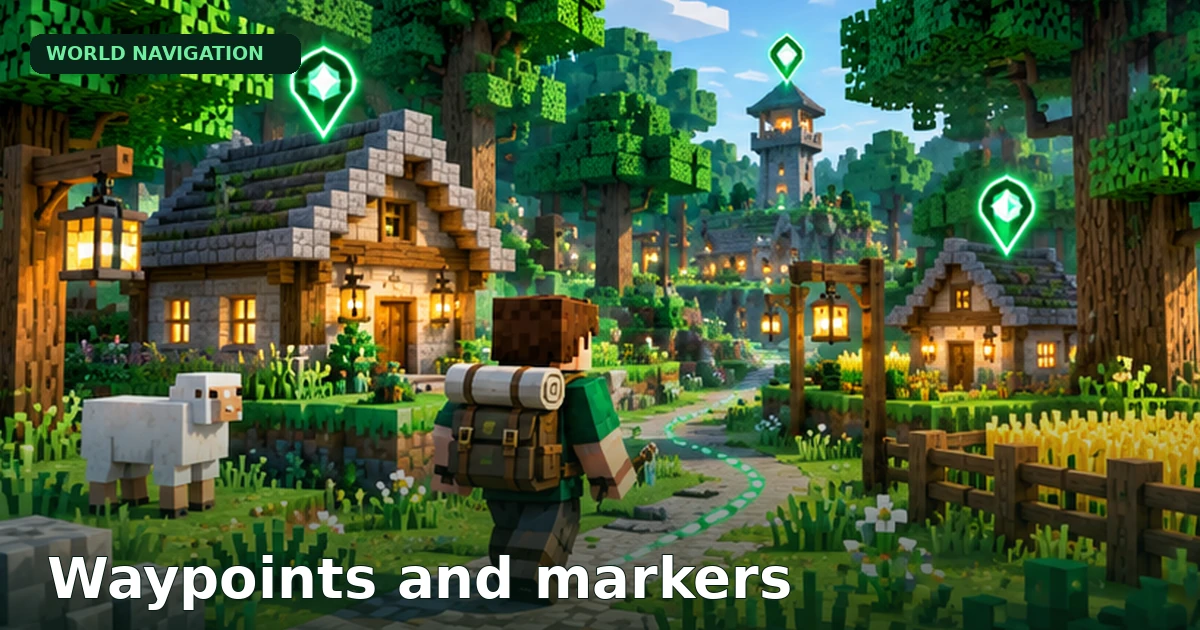
Waypoints are the reason many players install Xaero's Minimap in the first place. Drop one on your base and you will never spend another evening walking in circles. But waypoints can do much more than mark home: they can be grouped, shared, used for teleporting and backed up. This guide covers all of it, including what to do when waypoints seem to vanish.
Creating a waypoint
- Stand where you want the waypoint, or note the coordinates you want.
- Press B. The creation screen opens with your position filled in.
- Enter a name and short initials, which appear on the marker.
- Pick a colour that is easy to tell apart from your other waypoints.
- Confirm. The waypoint shows on the minimap and in the world.
The number of waypoints is practically unlimited, so there is no need to be stingy.
Local and global waypoints
Local waypoints follow the Max WP Draw Distance setting, so they only show when you are within that range. Global waypoints ignore it and are always visible. Make your main base global and keep minor spots local to avoid clutter.
Organising waypoints into sets
Sets let you group waypoints, for example "Bases", "Farms" and "Exploration". Only the active set is shown, which keeps the map readable. You can switch sets from the waypoints menu (U) or with the waypoint set switch keybind, which has no default key. Assign one in the controls menu if you switch often; our controls guide shows how.
Sharing waypoints in chat
Open the waypoints list with U, select a waypoint and use the share option. It posts the waypoint to chat, and other players using Xaero's mods can add it from the message. This is far quicker than reading out coordinates.
Streaming or recording? A privacy setting hides waypoint coordinates in menus, and server addresses in dropdowns are partly hidden by default.
Deathpoints
Every time you die, Xaero's Minimap creates a skull-shaped deathpoint where it happened. Follow it back to recover your items. Older deathpoints can be kept as regular waypoints if you want a record, or cleared to keep the list short.
Teleporting to waypoints
Waypoint teleport is optional and works by sending a chat command, /tp @s x y z by default. That means:
- You need permission to use the teleport command (cheats on in singleplayer, or a rank that allows it on a server).
- Servers with their own teleport commands may not support selectors like
@s. You can change the command in the settings or per server. - If the teleport button is greyed out, the wrong sub-world is usually selected. Use the auto sub-world option.
- Servers can disable teleport in their server-specific config.
Sub-worlds: why waypoints "disappear"
Xaero's Minimap keeps waypoints separate for each world, dimension and server, using sub-worlds. When it thinks you are somewhere new, it shows a different, often empty, list. Your waypoints are almost always still there.
How to get them back
- Open the waypoints menu with U.
- Check the sub-world dropdown and look through the options.
- If a server changed its address, use Make World/Server Auto on the correct entry.
- If you use Xaero's World Map, check its map selection too.
Some server plugins that change the compass can confuse multi-world detection. Sleeping in the correct bed, or turning off multi-world detection on single-world servers, can help. Server owners can make detection reliable with the steps in our plugin guide.
Backing up your waypoints
Waypoints are stored in the game directory under xaero/minimap (older versions used a folder named XaeroWaypoints). Close Minecraft before copying or editing anything in there, and keep a copy before major updates or launcher moves.
Waypoints on the world map
With Xaero's World Map installed, all your waypoints appear on the full-screen map and you can create new ones from it. Read the World Map guide for more, or get the minimap from the download section.
Build a naming system that survives long worlds
Waypoints are most valuable when their names make sense months after they are created. Combine a clear place name with a useful purpose, such as a base entrance, village trading hall, portal, or mining route. Avoid collections of nearly identical labels like “Home 2” and “Home 3” when a more descriptive name would solve the problem. Choose distinct colours for broad categories rather than assigning every point a random shade. A consistent scheme turns the map into a searchable record of your world and reduces the risk of travelling toward the wrong marker. As your save develops, periodically archive or remove locations that no longer serve a purpose so important destinations remain prominent.
Navigate between dimensions with care
Coordinates and saved destinations need context. A marker associated with the Overworld should not be assumed to represent a directly accessible point in the Nether or another dimension. Before following a distant destination, review which world and sub-world collection is active and whether you are looking at the expected location. This is particularly helpful on multiplayer networks where different servers or world names may create separate map contexts. Make a specific waypoint for portals and other transitions, and record enough detail to identify the route on both sides. When a marker seems to disappear after a server change, check the selected data context before recreating everything from memory.
Treat deathpoints as recovery information
A deathpoint can provide a critical orientation clue, but it cannot guarantee that dropped items will still be present. Recovery depends on factors such as the world state, item-despawn mechanics, travel conditions, and server rules. Before rushing back, equip only what you need and choose a safer approach through familiar terrain. If the location is underground, remember that a map marker may identify horizontal position more readily than the exact safe route through caves. A prepared player can use a deathpoint alongside spare supplies and an established base marker. Once the situation is resolved, tidy any temporary markers so the map stays useful instead of accumulating confusing reminders.
Conclusion
The lasting value of waypoints comes from organisation and care. Give important destinations meaningful names, group them sensibly, understand the relevant world context, and protect the underlying data before major changes. Deathpoints and shared markers can help with recovery and collaboration, but they work best as part of a broader navigation routine. With a thoughtful system, your map becomes a durable record of places worth finding again.
Related guides
Xaero's Minimap Controls: Every Default Keybind Explained
What B, U, Z, I, O and Y do, how to rebind them and which actions have no key until you set one.
Read guide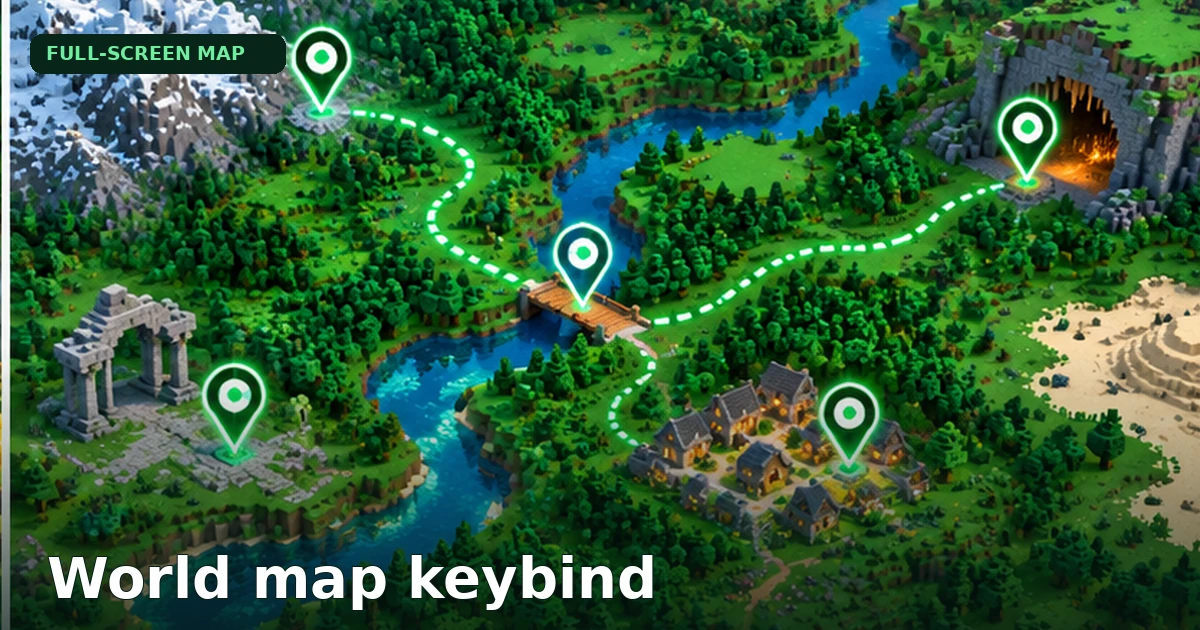
Xaero's Minimap Full Map Keybind: How to Open the World Map
Why M opens the big map only with Xaero's World Map installed, and how to change that key.
Read guide